If you found your name on AmericaPhoneBook and want it gone, here’s the real process, free, no account needed, verified directly against AmericaPhoneBook’s own site.
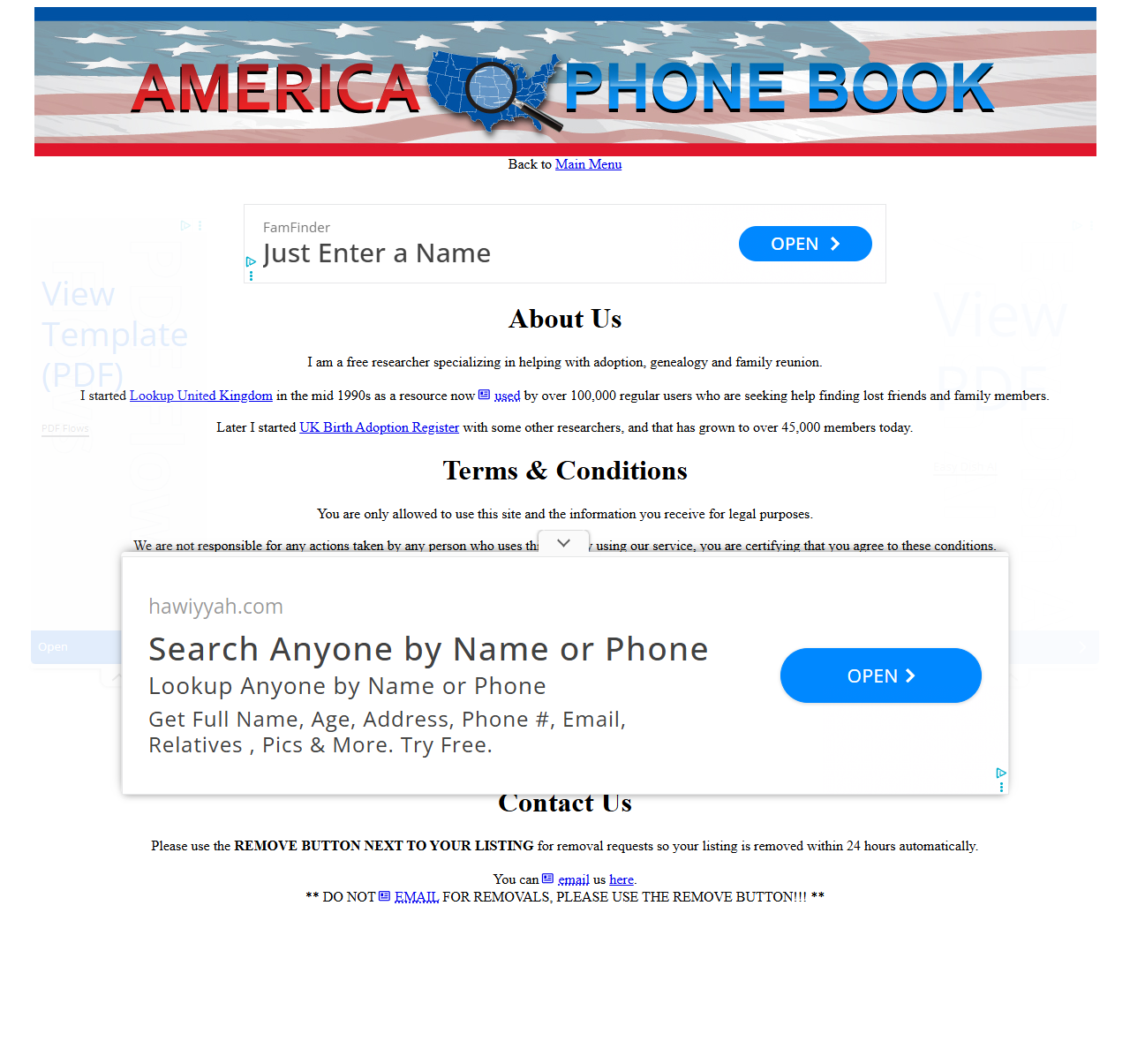
AmericaPhoneBook’s own site instructs: use the Remove button next to your listing for removal, not email, since emailed requests are not processed the same way.
How to Opt Out of AmericaPhoneBook
Step 1
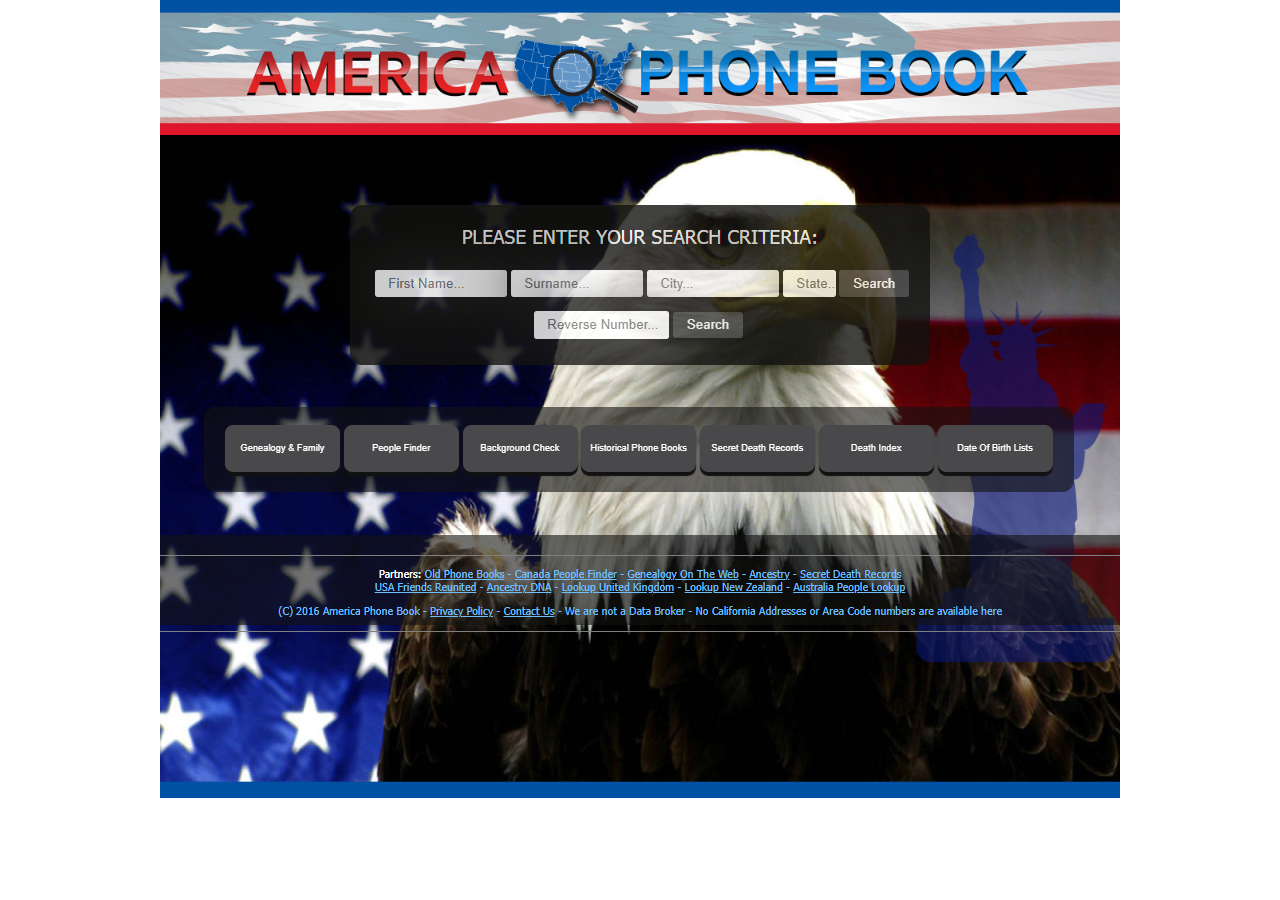
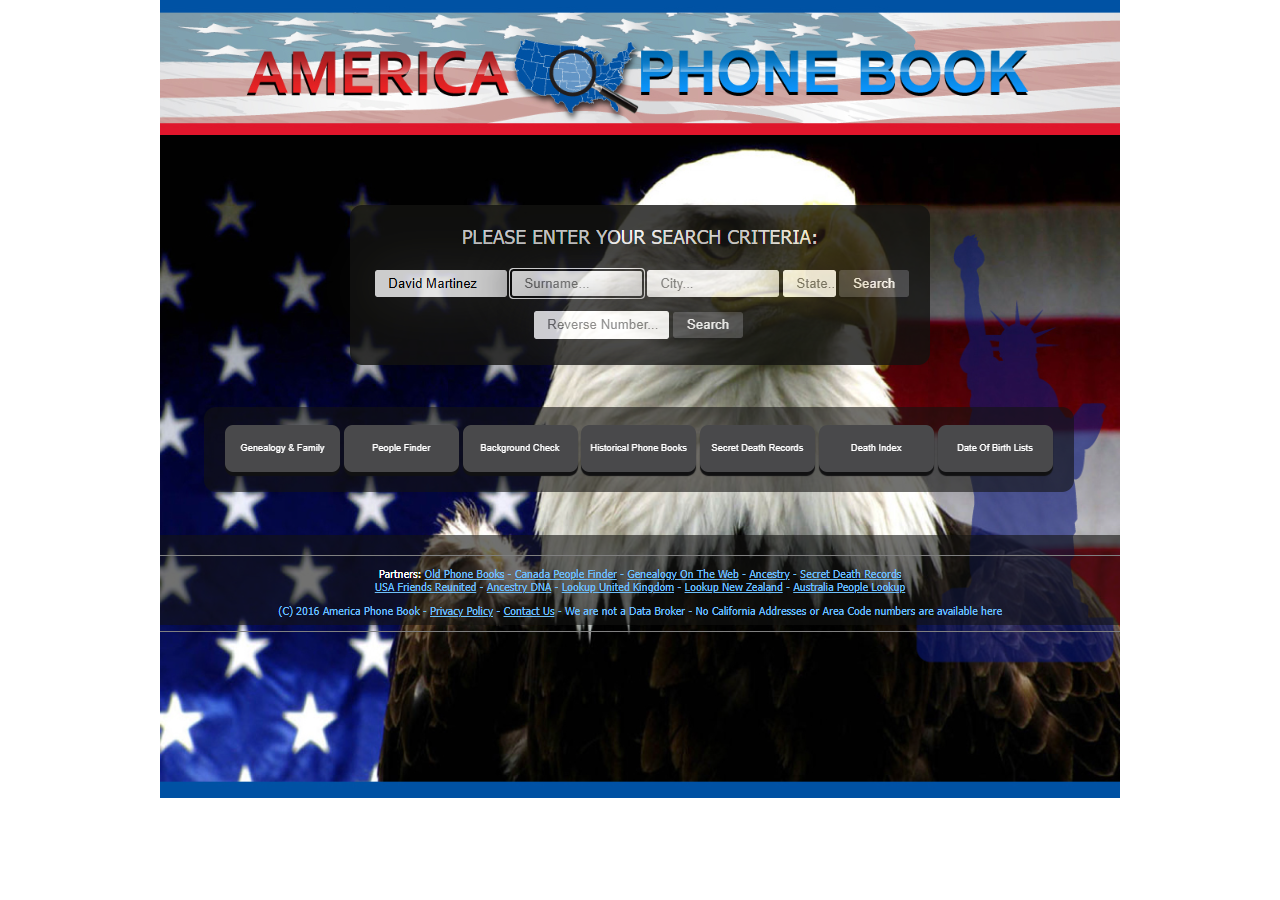
Search your name on AmericaPhoneBook’s homepage to find your listing.
Step 2
Open your matching listing.
Step 3
Click the Remove button next to your specific listing. AmericaPhoneBook asks you to use that button rather than email, and its removal instructions page is emphatic that requests sent by email are not processed. The site states listings removed this way are usually cleared automatically within 24 hours.
Frequently Asked Questions
Why is my information on AmericaPhoneBook?
AmericaPhoneBook is a data broker, it compiles information like phone numbers, contact info, address from public records and other sources and makes it searchable. This is generally legal in the US; data brokers aren’t required to get your permission before listing publicly available information. That doesn’t mean you have to leave it there.
Does AmericaPhoneBook require a CAPTCHA or account to opt out?
No CAPTCHA is required for this opt-out. No account or sign-up is required to submit a removal request.
Will I get a confirmation?
AmericaPhoneBook does not require email confirmation to complete the removal.
How long does removal take?
AmericaPhoneBook states a processing time of 1 day. It’s worth checking back after a week or two to confirm your listing is gone.
Is this a one-time fix?
No. Data brokers continually re-collect public records, so listings can reappear over months. Repeating this process periodically, or using an automated removal service that monitors and re-submits on your behalf, is the only way to keep it off long-term.
Prefer not to do this manually for every broker? Services like Incogni, DeleteMe, and Optery automate this same process across hundreds of data brokers and re-check periodically. We compare them honestly in our Comparisons
section, but the free method above works just as well if you’re only dealing with a handful of sites.